We should never forget that coding is a tool to achieve a task. For our case, the main task is to prepare the dataset for further analyses, which means:
Checking that it is complete and that nothing is missing,
Deleting the columns/rows that are not necessary, and
Transforming (but not altering) the data
The best way is to look at the data we just imported into RStudio, and take notes about what needs to be done. I personally take physical notes on flying papers for this step.
Show the code to import and show the dataset (same as last week)
Alternatively, just load the R dataset corresponding to the data we have already imported
load("CHC9012_DataImportedFromPCIbex.RData")
This is what the results table looks like. Let’s have a look at its columns, 18 in this file. There are two types: (a) PCIbex’s default columns, and (b) the columns that we asked PCIbex to log.
Results.reception.time: Time in the PCIbex server when the results were received. This can be used as the Participant ID, assuming that there are no two participants who submitted the results at the exact same time.
MD5.hash.of.participant.s.IP.address: Scripted IP address of the machine used by the participant.
Controller.name: Which controller was used to code the experiment.
Order.number.of.item: The order of presentation of the whole questionnaire, starting from the very first page.
Inner.element.number: Whether specific numbers were assigned to the element.
Label: The name given to the webpage in PCIbex (for example, Welcome page, Instructions, Exeriment, etc.).
Latin.Square.Group
PennElementType: The PCIbex element used for the action (TextInput, Scale, Dropdown, etc.).
Parameter: Breakdown of the elements used on a same page.
Value: What the participant wrote or selectedm or when an element starts or ends.
EventTime: Time point at which an action occured (the time corresponds to the PCIbex server)
Comments
ItemNo: The ID of the item (here, sentence)
Condition: The experimental condition
Group
UserAge
UserDegree
✍️ Preparatory activity, again
Look closely to the results file. What needs to be done?
We need to mention which column from which dataset. In R language, “the column called Controller.name from the dataset called data” is written using the $ sign (data$Controller.name)
Each name is assigned to a numerical index. For instance, “[1]” corresponds to “Results.reception.time”. We can call the name of one specific column as below.
names(data)[1]
[1] "Results.reception.time"
Once we have the index of columns, we just need to assign new names to them.
Based on our notes, we need to filter to have only the rows where the Label is Experiment.
To do so, we use the filter() function from the dplyr package.
We use the %>% to say that “This is the Label column from the dataset called data”.
The == sign means that we want the Experiment rows.
We store that into a new dataset, just in case.
library(dplyr)data2 <- data %>%filter(Label =="Experiment")
We can see that there are unnecessary _Header_ rows under the Parameter column, and we would like to remove them. We can use the same logic, but notice the use of !=, meaning “we don’t want these rows”.
data2 <- data2 %>%filter(Parameter !="_Header_")
📖 Defining reaction time
In this experiment, Reaction time = Time when the judgment is made - Time when the sentence appeared
Calculating the reaction time from PCIbex data requires several steps.
Let’s have a look at our data:
Here, Reaction time = “EventTime whenParameter = Choice” - “EventTime whenValue = Start”. So we need to select these rows first. We stored in a temporary dataset that we call RT_Prep1.
RT_Prep1 <- data2 %>%filter(Parameter =="Choice"| Value =="Start")
Under the Value column, we have the time for Start, but not for Choice, which is found in another column. We want to have everything under the same column. So we tell R that when in the Value column, the word is not Start, it writes Choice instead. Then, we delete columns when the two rows are different – we want to keep the differences minimal.
We made use of some columns when calculating the reaction time, but we do not need them anymore, and they are redudant. So here is another round of column removal!
Finally, we realized that even if we have enough information for each trial to conduct further analyses, we do not know what sentence they correspond to. This is surely because we forgot to .log() them in the PCIbex script. But we can repair this mistake:
We just need to import the table with the material information (used on the PCIbex platform)
We use the left_join() function as previously to join these two datasets based on the index of the items (here, ItemNo)
material <-read.csv("~/Documents/CHC9012_Spring2026/PreprocessingAnalysesR/material.csv")material$ItemNo <-as.factor(material$ItemNo)data3 <- data3 %>%left_join(material %>%select(ItemNo, Sentence), by ="ItemNo")data3$Sentence <-as.factor(data3$Sentence)str(data3)
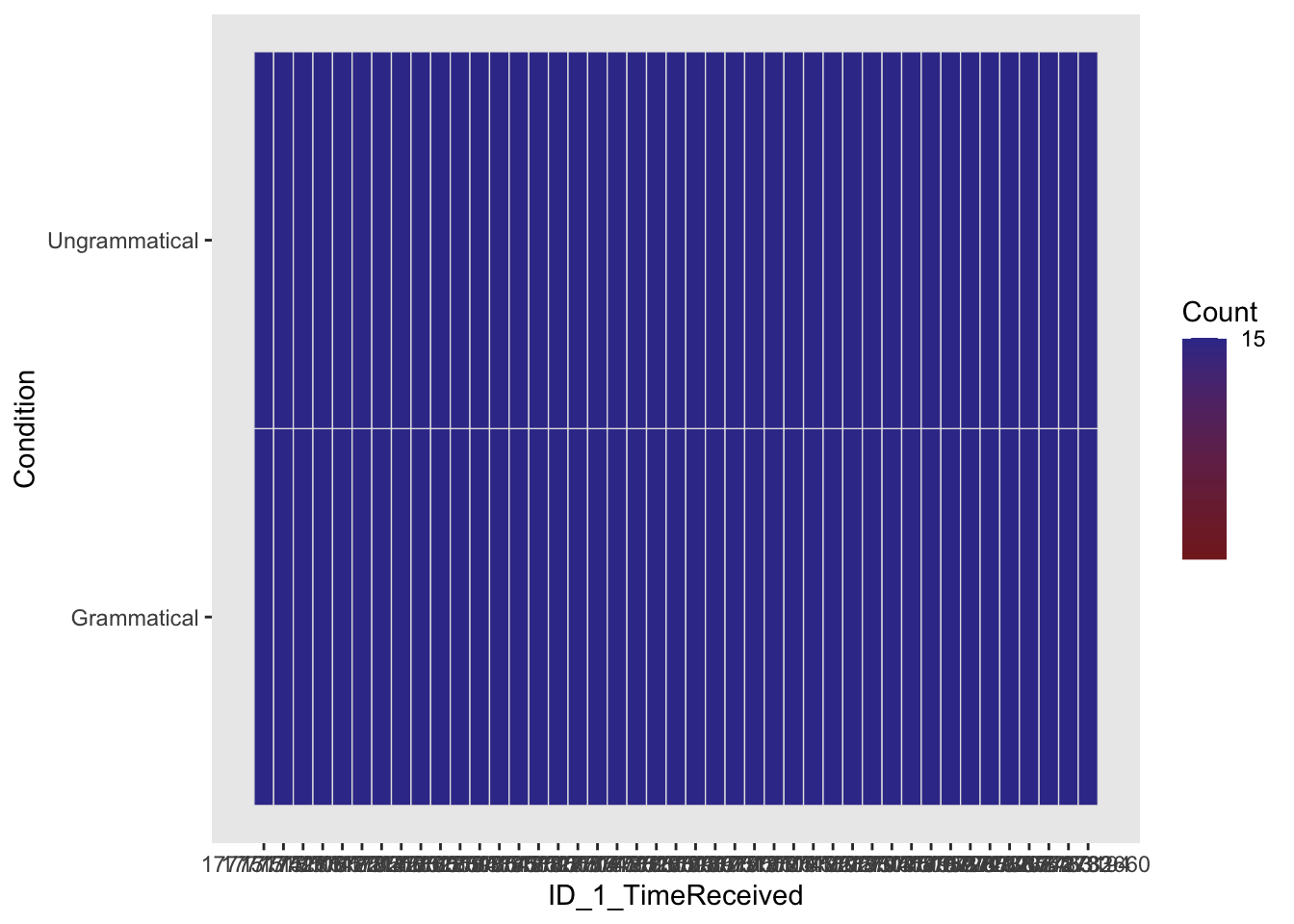
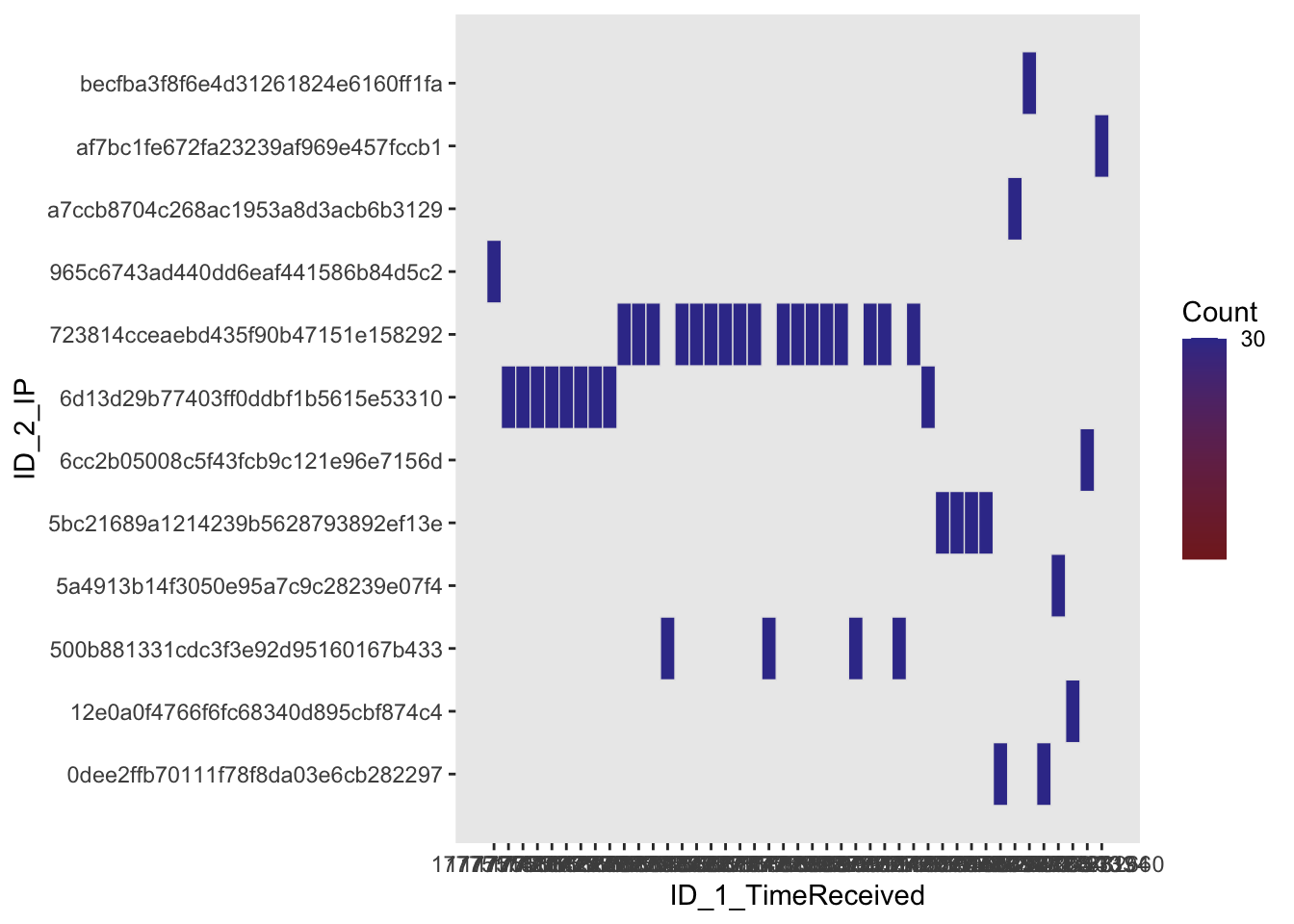
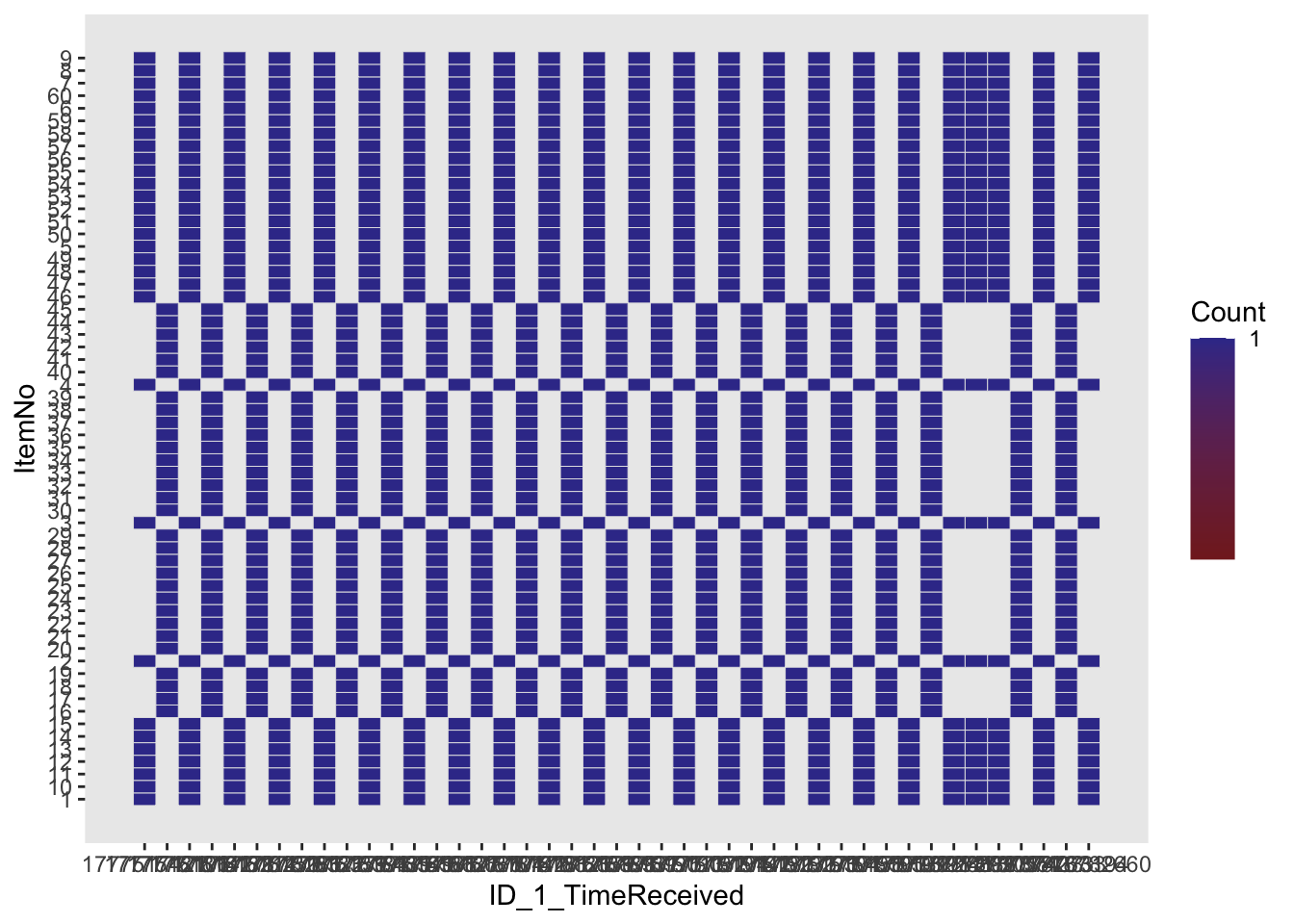
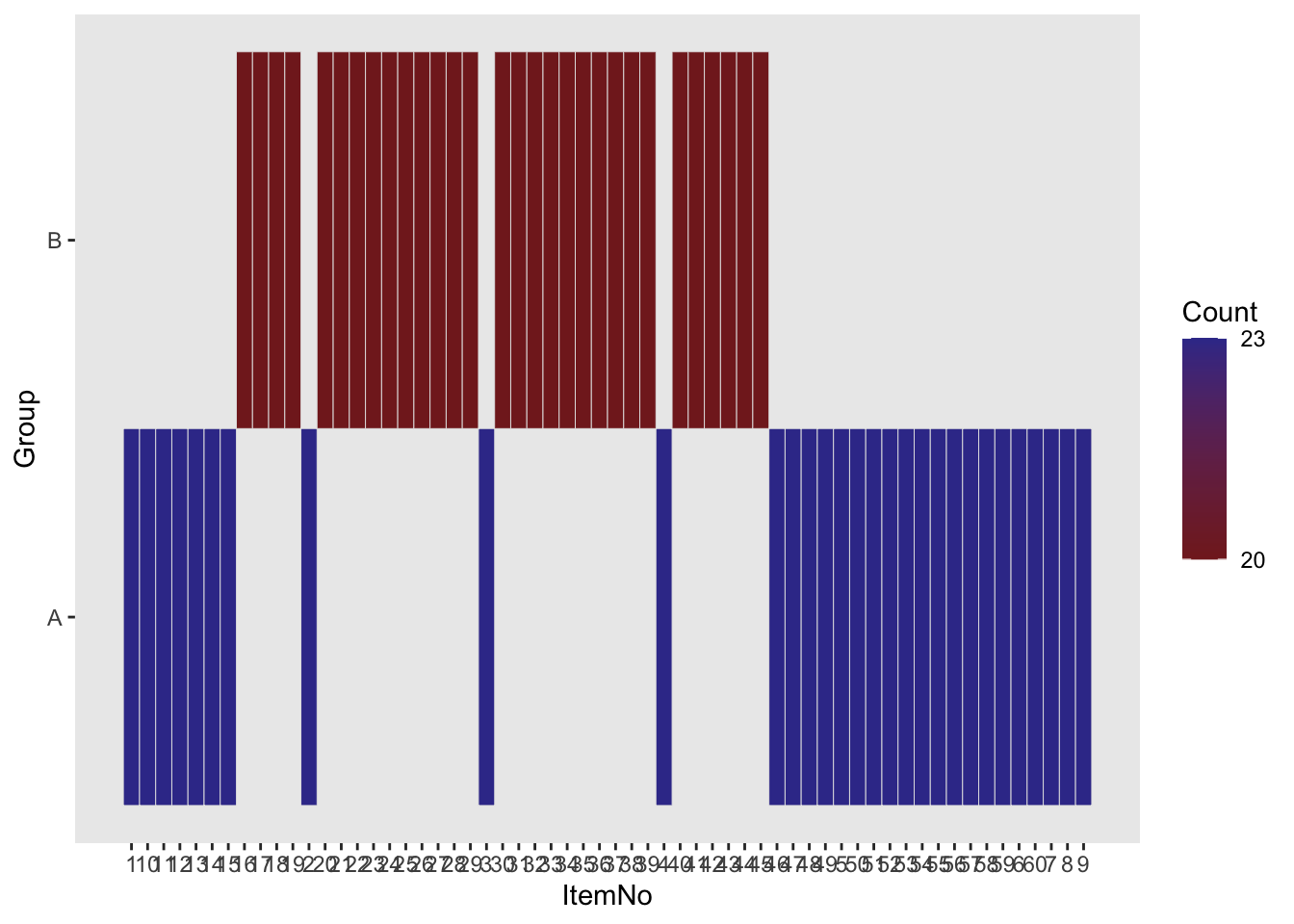
We want to make sure that we did not corrupt our data when arranging them for further analyses. Otherwise, we can run further analyses and have results, but they will have no value!
We will mostly use the ezDesign() function from the ez package.
# Same number of item per condition for each participant? (should be '15')ezDesign(data3, ID_1_TimeReceived, Condition)
# Which participants share the same IP?# (hint that this could be the same participant filling the questionnaire twice)ezDesign(data3, ID_1_TimeReceived, ID_2_IP)
# Number of times an item appeared by participant (should be '1')ezDesign(data3, ID_1_TimeReceived, ItemNo)
# Were the items well dispatched in the two lists?ezDesign(data3, ItemNo, Group)
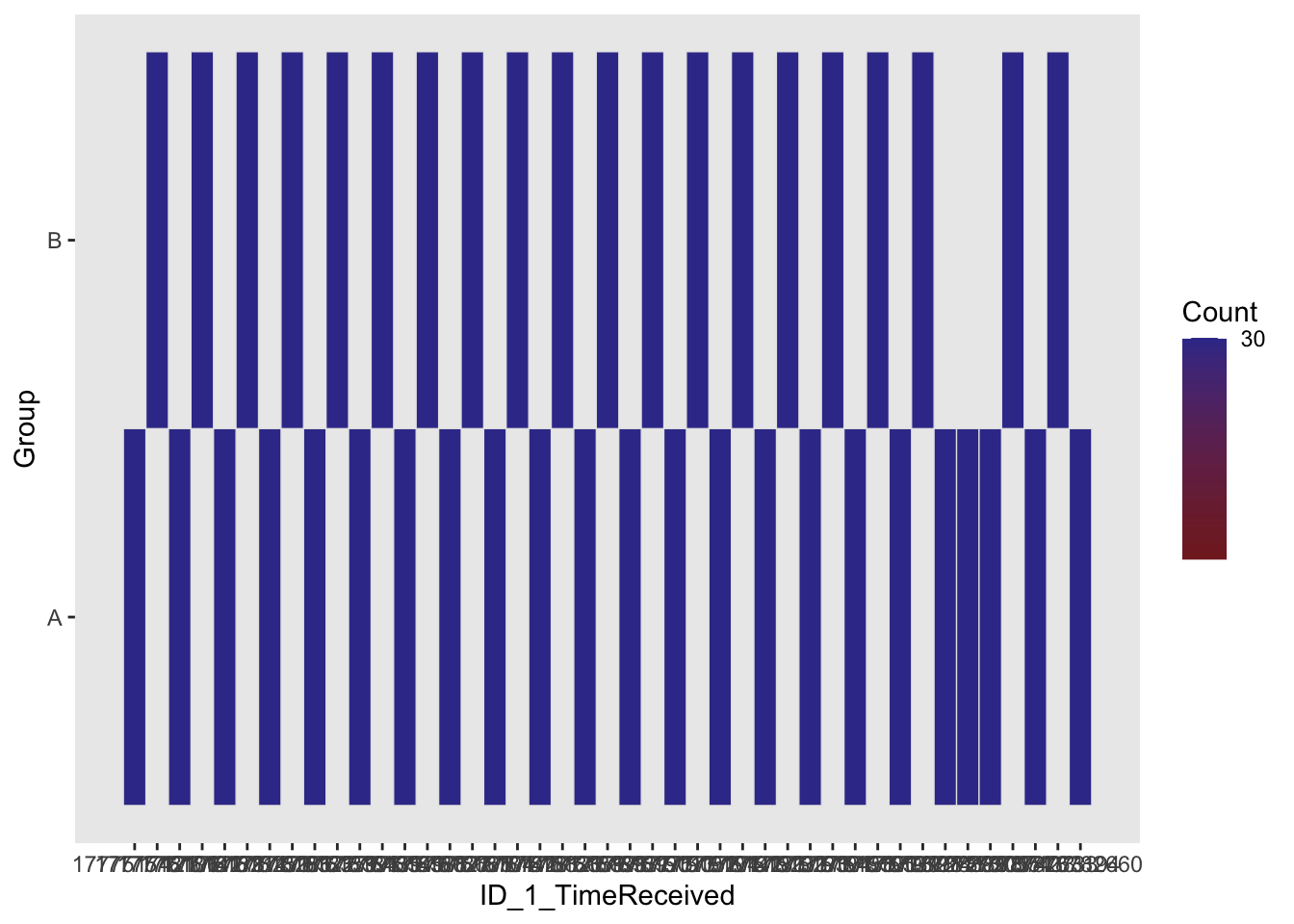
# Were the participants well dispatched in the two lists? (should be '30')ezDesign(data3, ID_1_TimeReceived, Group)